A customer recently contacted us to ask why their heat pump was drawing electricity from the grid when their home battery was fully charged.
At first glance, you might expect your home to use the energy stored in your battery before importing electricity from the grid. However, there are several factors that determine where your electricity comes from, and a fully charged battery doesn’t necessarily mean your home will use it.
To understand why this might happen, we need to look at a few key things, including your electricity tariff, battery charging and discharging settings, heat pump controls, and the power output of your battery and inverter.
Let’s explore.
1. Energy Tariffs & Battery Discharge Settings
One of the first things to consider is your electricity tariff.
If you’re on a time-of-use tariff, the price you pay for electricity changes depending on the time of day, with cheaper rates available during certain periods.
For example, Cosy Octopus is designed for homes with heat pumps and offers three discounted periods throughout the day:
- 4am–7am
- 1pm–4pm
- 10pm–midnight
However, being on a time-of-use tariff doesn’t automatically mean your home will prioritise electricity from the grid during these cheaper periods.
Your tariff determines how much you pay for electricity, while your battery and inverter settings determine when stored electricity is used. So, if you or someone else has configured your system settings to align with the cheaper tariff periods, this could affect when your home draws electricity from the grid rather than using the energy stored in your battery.
Making the Most of Cheaper Electricity
As noted above, you can configure your inverter to take advantage of cheaper electricity through what’s commonly known as a force-charge schedule.
During these periods, your battery can be programmed to charge using cheaper grid electricity while preserving its stored energy rather than discharging to power your home.
This means that even if your battery is already fully charged, your home will continue drawing electricity from the grid, because you’ve instructed the inverter not to discharge during that time.
The idea is to store cheaper electricity for use during more expensive periods, helping to reduce your overall electricity costs.
These schedules are generally configured through your battery inverter’s app or monitoring portal rather than directly through your energy supplier. Some compatible systems can also use automated energy management services.
What Happens if You Have Too Many Force-Charge Periods?
Although force charging can be useful, more charging periods don’t necessarily mean greater savings.
If your battery is already sufficiently charged, having too many force-charge periods could mean you’re unnecessarily importing electricity from the grid when you already have stored energy available.
It can also mean your battery spends more time fully charged, leaving less room to store any excess solar generation.
One tip from our electrician is to try reducing the number of force-charge periods for a little while and monitor your battery’s charge levels, particularly during expensive peak periods.
If you find that you still have enough stored electricity to get through these periods without needing to import much from the grid, you may not need as many charging windows.
It’s all about finding the right balance between your tariff, household consumption and available battery storage.
Can Battery Settings Conflict with Your Tariff?
Yes. If your battery’s schedule doesn’t match your electricity tariff, it could end up charging when electricity is expensive or discharging when electricity is cheap.
For this reason, at Menai Heating, we don’t automatically configure customers’ batteries around a particular time-of-use tariff. Customers may have different tariffs, and these can change over time.
Instead, we recommend reviewing your electricity tariff and choosing a battery schedule that works best for your household.
For FoxESS customers: You can review these settings through the FoxCloud app, under Work Mode and Mode Scheduler. The exact options depend on your inverter model and software version.
2. Household Demand vs Battery and Inverter Power
Another important factor is how much electricity your home is using compared with how much power your battery system can deliver.
You might have a fully charged battery, but that doesn’t necessarily mean it can supply all your household’s electricity demand at once.
To understand why, we need to distinguish between two measurements:
- kWh (kilowatt-hours): How much energy your battery can store.
- kW (kilowatts): How much power your battery inverter can deliver at any given moment.
For example, a battery with 11.92 kWh of storage capacity could theoretically provide 1 kW of electricity for almost 12 hours, before allowing for usable capacity limits and energy losses.
However, if its inverter can only deliver a maximum of 5 kW, it cannot supply a 6 kW household load entirely from the battery.
What Happens When Your Household Demand Exceeds Your Battery’s Output?
Let’s say your household is consuming 6 kW of electricity, but your battery inverter can only deliver 5 kW.
Assuming the battery is allowed to discharge and there’s no solar generation:
- Your battery could supply 5 kW.
- The remaining 1 kW would be imported from the grid.
So, even with a fully charged battery, you could still see electricity being imported.
The important thing to remember is that your battery’s storage capacity and its maximum power output are two different things.
You also need to consider your battery’s minimum state of charge, available usable capacity and any discharge limits configured within the system.
3. Heat Pump Settings
Finally, it’s worth checking your heat pump’s settings.
Your heat pump generally operates independently of your battery and inverter. This means that setting a force-charge period on your battery doesn’t automatically tell your heat pump to switch on.
Instead, your heat pump will operate according to its heating controls, temperature settings, hot-water schedules and any compatible smart heating integrations.
Can You Schedule Your Heat Pump Around Cheaper Electricity?
Yes. Many heat pump systems allow you to programme heating and hot-water schedules to take advantage of cheaper electricity periods.
For example, if you’re on Cosy Octopus, you might schedule your heat pump to increase your home’s temperature slightly during the cheaper 1pm–4pm period.
Your property can then retain some of this warmth into the more expensive evening period, potentially reducing how much heating is required when electricity costs more.
Some compatible smart heating systems can also automatically adjust heating schedules based on electricity prices.
However,
Your heat pump simply creates an electrical demand. Whether that electricity comes from your battery, solar panels or the grid is generally determined by your inverter and the wider electrical system.
It’s also worth remembering that heat pumps are designed to operate efficiently at relatively steady temperatures, so dramatically increasing and decreasing heating temperatures isn’t always the most efficient approach.
A Real Customer Example: Why Was Their Heat Pump Drawing from the Grid?
Now that we’ve explored the different factors, let’s look at the customer enquiry that prompted this article.
The customer contacted us after noticing that their heat pump had been operating between 1pm and 4pm, with their household drawing just over 6 kW of electricity from the grid.
What confused them was that their battery was almost fully charged at the time.
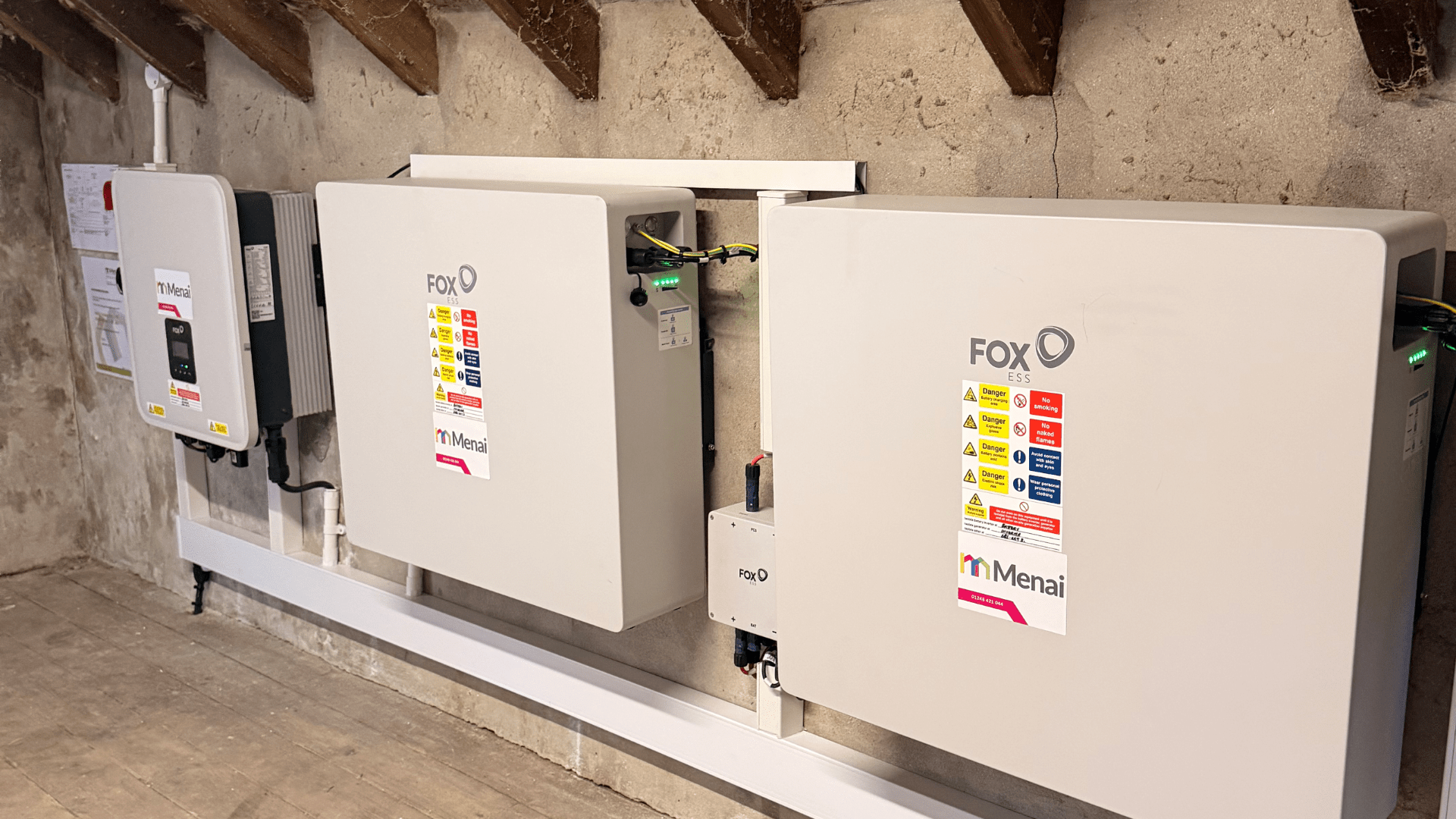
Their system included:
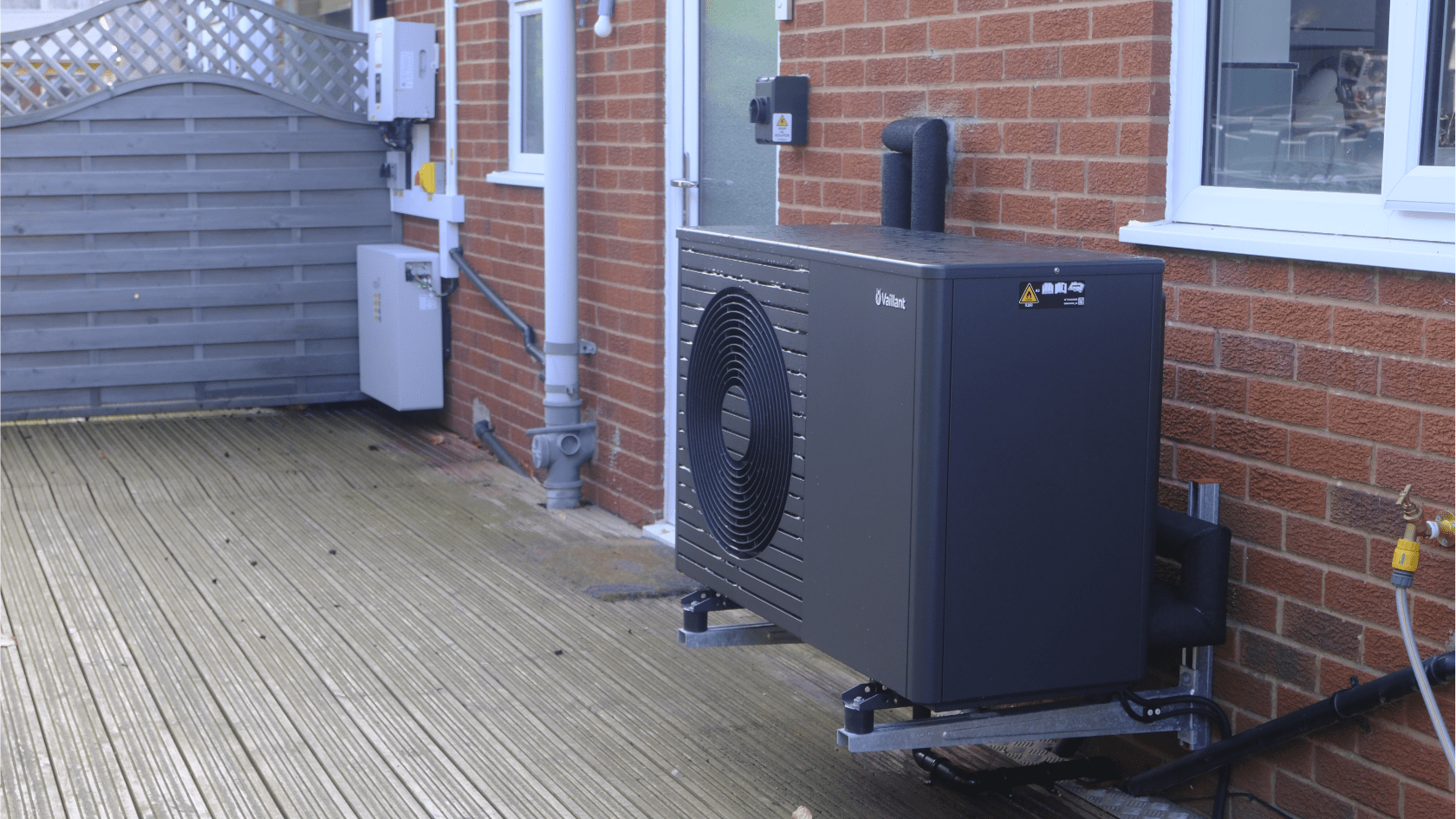
- Heat pump: [Insert make, model and output]
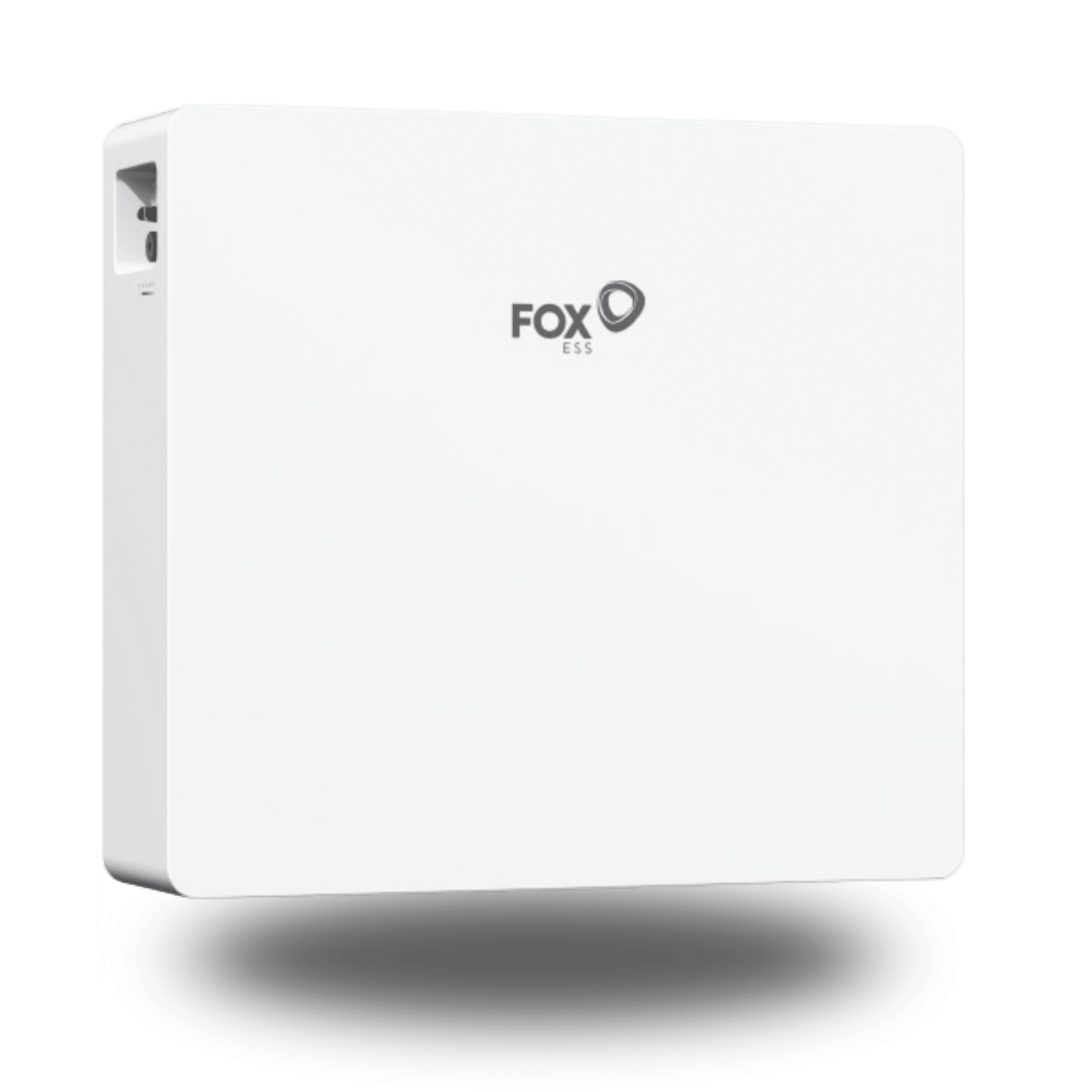
- Battery: FoxESS EP12 – 11.92 kWh nominal capacity
- Inverter: [Insert FoxESS inverter model and output]
- Electricity tariff: Cosy Octopus
What Did We Find?
The first thing we looked at was the customer’s electricity tariff.
As mentioned earlier, Cosy Octopus offers a discounted electricity period between 1pm and 4pm, followed by a more expensive peak period between 4pm and 7pm.
However, the tariff itself wasn’t instructing the home to import electricity.
Instead, when we reviewed the customer’s battery settings, we could see that force-charge periods had been configured to coincide with the cheaper Cosy Octopus tariff windows.
During these periods, the battery was set to preserve its stored energy rather than discharge it to power the home.
This explained why the property was importing electricity from the grid despite the battery being almost fully charged.
What Did the FoxESS Monitoring Portal Show?
[Insert screenshot of FoxESS monitoring portal showing battery SOC, grid import and household consumption between 1pm and 7pm.]
Looking at the customer’s battery monitoring data, we could see that the battery remained almost fully charged during the 1pm–4pm period.
However, at 4pm, when the more expensive peak tariff began, the battery’s state of charge (SOC) started to decrease.
This indicated that the battery had started discharging to supply electricity to the property.
In other words, the battery was preserving cheaper stored electricity during the afternoon and then using it when grid electricity became more expensive.
This is the type of behaviour you’d generally want from a battery configured to take advantage of a time-of-use tariff.
But Why Did the Heat Pump Come On?
This was a separate question.
Although we could establish why the battery wasn’t discharging, we couldn’t confirm exactly why the heat pump had started operating during that period, as it wasn’t a heat pump installed by Menai Heating.
There are several possibilities:
- The heat pump was responding to its normal heating or hot-water schedule.
- The heating controls had been programmed to take advantage of cheaper electricity.
- A compatible smart heating service was automatically adjusting its operation.
- The property or hot-water cylinder simply required heating at that time.
The important distinction is that the battery’s force-charge settings explained why electricity was being imported from the grid, but they didn’t explain why the heat pump was running.
To establish that, the customer would need to review their heat pump’s heating controls and any connected smart heating services.
What Can We Learn from This?
In this particular case, the battery appeared to be operating as intended.
The customer’s force-charge schedule was preventing the battery from discharging during the cheaper tariff period, and the battery began supplying electricity once the expensive peak period started.
However, we also recommended reviewing the number of force-charge periods configured, as it may not be necessary to preserve or recharge the battery during every discounted window.
By monitoring battery charge levels and grid imports over time, the customer could potentially simplify their schedule while continuing to benefit from cheaper electricity.
Understanding Your Battery's Specifications
If you’re trying to understand why your battery isn’t supplying all your household’s electricity demand, there are a few important specifications worth checking.
Nominal Energy (kWh)
This is the total rated energy storage capacity of your battery. For example, the FoxESS EP12 has a nominal capacity of 11.92 kWh.
However, this doesn’t necessarily mean all 11.92 kWh is available for everyday use.
Depth of Discharge (DoD)
This indicates how much of your battery’s capacity can be used.
For example, a battery with a 90% usable depth of discharge could theoretically provide approximately 10.73 kWh from an 11.92 kWh nominal capacity, before accounting for conversion losses.
State of Charge (SOC)
This tells you how full your battery is, expressed as a percentage.
For example, 80% SOC means the battery is approximately 80% charged relative to its defined operating capacity.
Maximum Discharge Power (kW)
This determines how much power the battery system can supply at any given moment.
It’s particularly important when several high-demand appliances are running simultaneously.
The battery’s discharge capability and the inverter’s output limits both need to be considered, as the lower applicable limit will restrict how much power the system can deliver.
Minimum SOC / Battery Reserve
Many battery systems are configured to retain a minimum amount of charge rather than discharge completely.
For example, if the minimum SOC is set to 20%, the inverter will normally stop discharging once the battery reaches that level.
This protects the battery and can preserve energy for backup use, depending on the
The Takeaway
If your home is importing electricity from the grid while your battery is fully charged, it doesn’t necessarily mean there’s a fault.
It could be due to your electricity tariff, battery charging and discharging schedule, inverter power limits or the way your heating system is configured.
The key is understanding how these different components work together.
By reviewing your energy usage, battery settings and electricity tariff, you can make more informed decisions about when to charge your battery, when to use stored energy and how to reduce unnecessary grid imports.
Want to learn more about battery storage?
Explore our battery storage solutions and discover how storing electricity could help you make better use of your energy, whether you have solar panels or not.
Explore renewables
Find out more about the renewable energy solutions we offer.
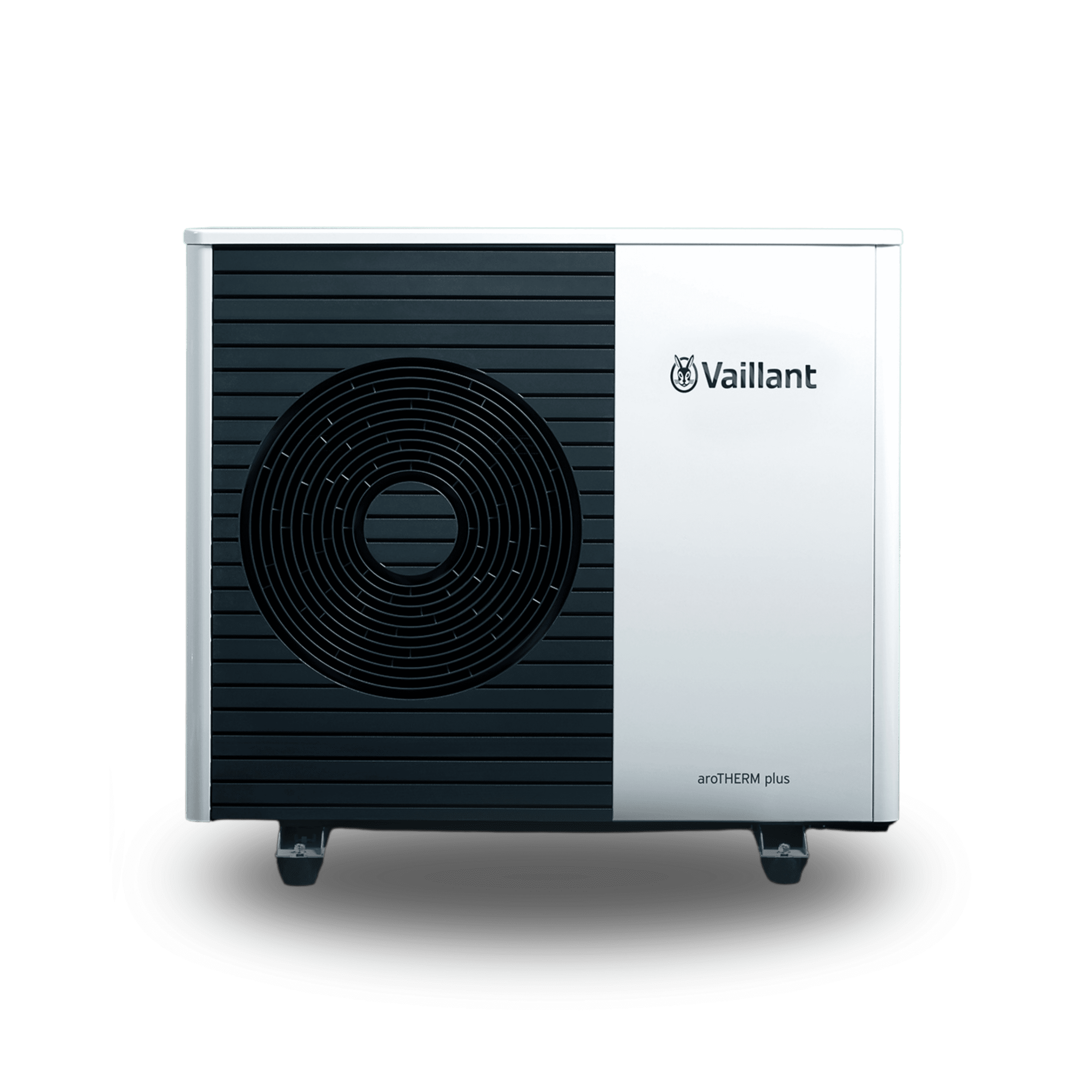
Air Source Heat Pumps
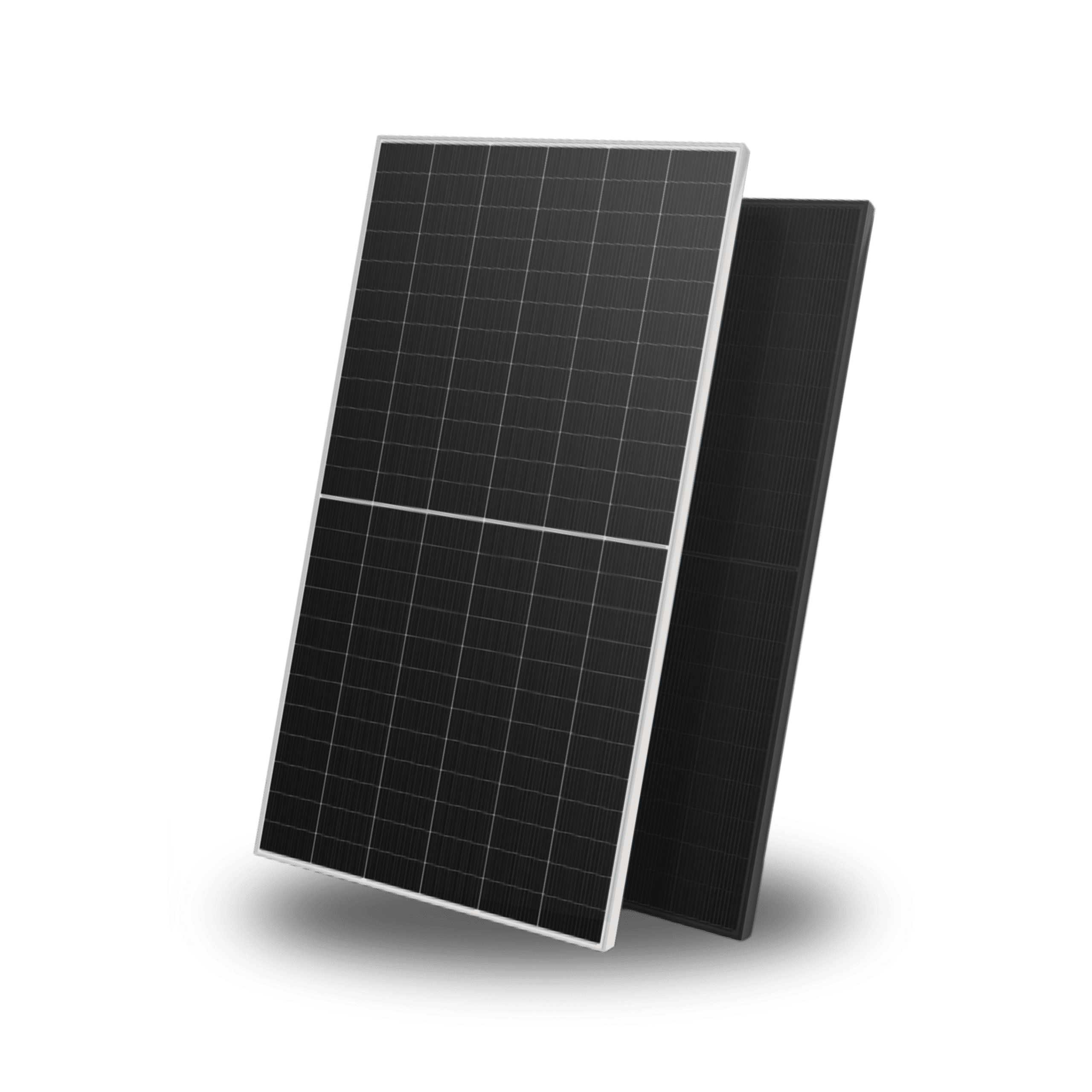
Solar Panels
Battery Storage

Electric Vehicle Chargers
Air Source Heat Pumps
Solar Panels
Battery Storage